QUB is what you mine
Miners secure the network and earn QUB block rewards. Core supports solo and pool mining, with CPU and supported OpenCL GPUs.
Your desktop app for QUB and JIN. Mine solo or in a pool, manage your wallet, and sync with the Qubit mainnet.
Install v1.8.6 for HF133. This mainnet upgrade applies to wallets, solo and pool miners, and node operators. Older releases cannot follow the upgraded chain after activation.
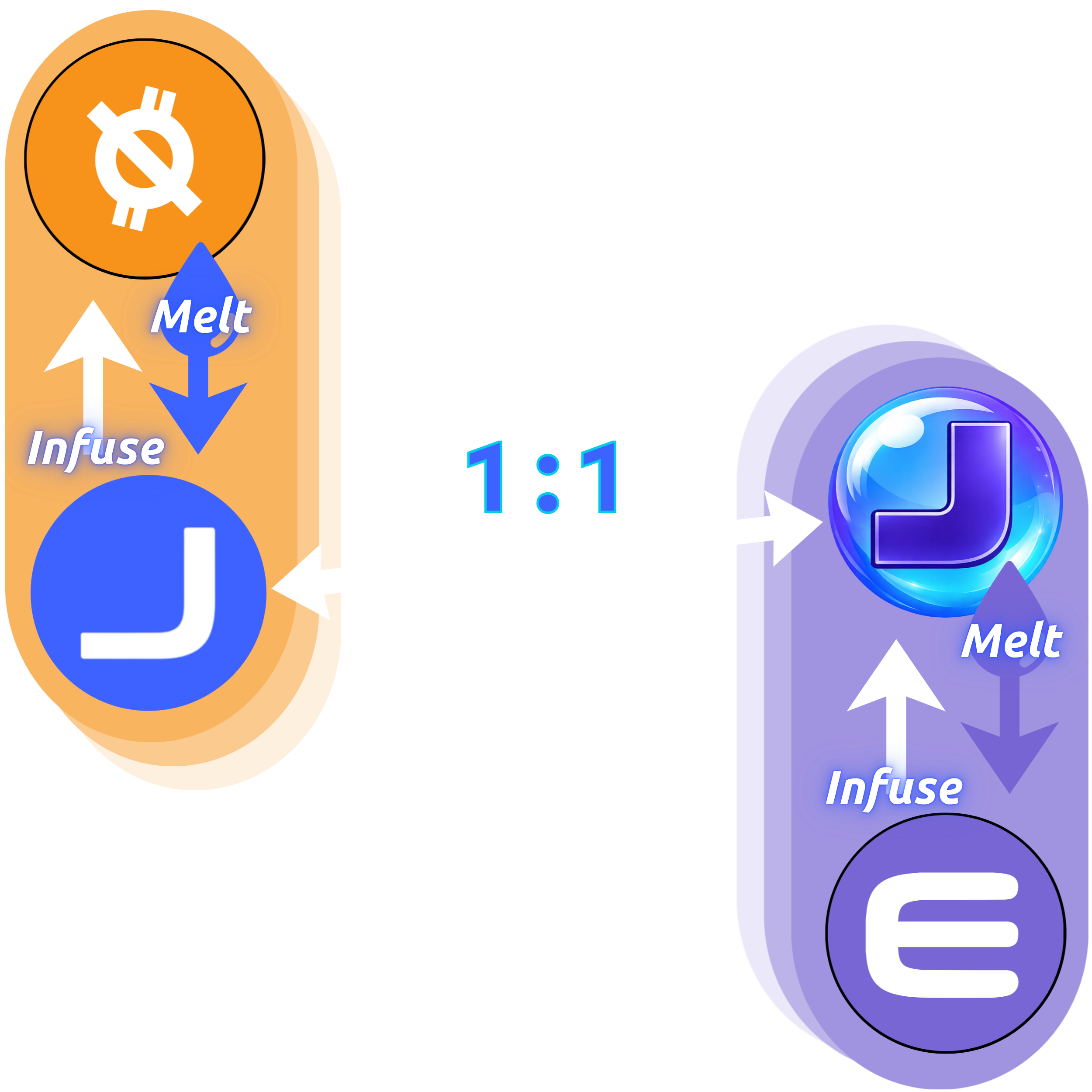
Infuse/Melt is live on Qubit. The 1:1 Enjin bridge shown here is planned.
The official mainnet installer. Includes solo and pool mining, CPU and OpenCL GPU support, the QUB/JIN wallet, QNS, and Infuse/Melt.
Download installer
Download only from download.qubit-coin.io. Keep your wallet file and private keys private.
For QUB-Core-v1.8.6-Windows-x64-mainnet-Setup.exe · 12,443,161 bytes. This checksum identifies this exact release; the Latest download can change with future releases.
f1dc68a7bfa04ea534b20194e88f107eaa338454f9c6d89912aa6dadcf3fce7e
Install over your existing mainnet installation. No uninstall is needed.
App closes but stays on 1.8.4? If the old updater closes QUB Core without installing or restarting, use the installer above and follow these steps.
Stop solo or pool mining, then fully exit QUB Core before running the installer. Keep a safe backup of your wallet.
Use your existing Qubit Coin Core installation folder. The installer updates program files and keeps your existing wallet, chain data, and settings.
Open QUB Core from your usual shortcut and confirm version 1.8.6. Let synchronization finish before starting solo or pool mining.
Do not delete your data folder to upgrade. If you still see 1.8.4, check that the installer and shortcut point to the same installation folder.
Mine QUB and use native JIN on the Qubit blockchain. The planned Enjin bridge is a separate part of the roadmap.
Miners secure the network and earn QUB block rewards. Core supports solo and pool mining, with CPU and supported OpenCL GPUs.

View and send native JIN in your QUB wallet. Infuse JIN into the QUB reserve or melt QUB to reclaim JIN using the app’s built-in actions and current conversion quote.

A 1:1 bridge between JIN Coin on Qubit and JIN Token on Enjin Matrixchain is planned. That bridge is not available in this release.
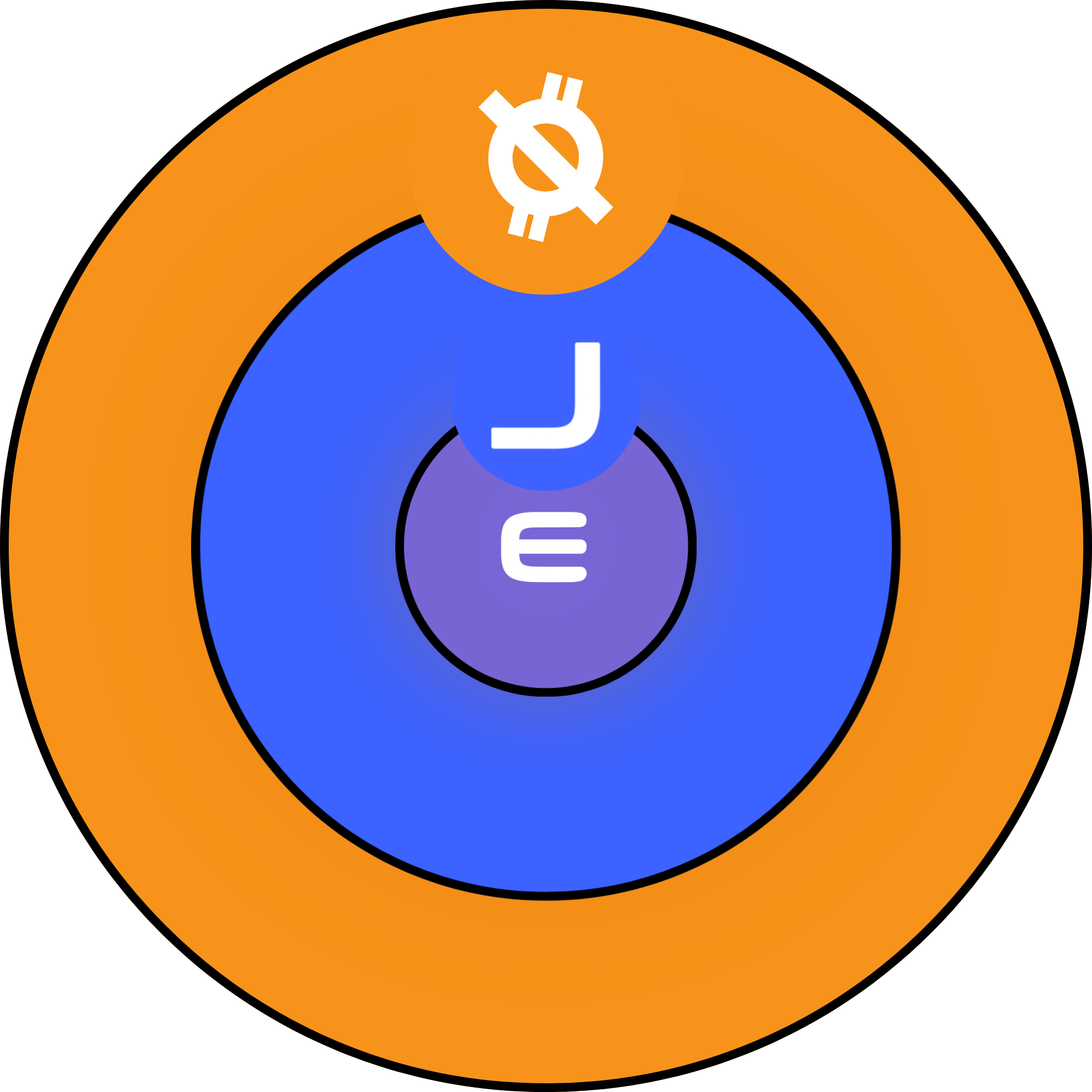
Infuse and Melt are available on QUB mainnet. Use the app to review the current amounts before confirming a transaction.
Use the wallet to hold and send QUB, or earn it through mining.
The Infuse action adds native JIN to the QUB reserve.
The Melt action permanently destroys QUB and returns JIN according to the protocol’s current quote.
Moving JIN between Qubit and Enjin Matrixchain requires the planned bridge, which is not live in 1.8.6.
The current release, followed by selected milestones from the early release history.
v1.8.6 · HF133 — Mainnet upgradev1.2.0 — Native JIN supportv1.1.9 — Mining stability, QR and asset packagingv1.1.8 — Languages and Address Activityv1.1.7 — OpenCL GPU miningv1.1.0 — Manifest updater and channel splitv1.0.9 — Wallet sync and GUI polishv1.0.8 — Realtime block stream improvementsv1.0.5 - v1.0.6 — GUI performance and updater hardeningv1.0.3 - v1.0.4 — Installer and QNS polishv1.0.0 — Initial QUB Core release